Software
inklet Portal
Your cloud dashboard for ambient life. Manage what appears on every display, sync with the tools you already use, and let AI handle the rest.
Your displays, orchestrated.
One dashboard, every display
Control what appears on every inklet display from a single place. Update content, check status, and manage rooms — all from your browser or phone.
Sync the tools you use
Connect Google Calendar, Notion, Obsidian, Todoist, and more. Your data flows in automatically — no copy-paste, no manual updates.
AI-powered routing
Portal's AI decides what goes where. Recipes to the kitchen, meeting agendas to the study, weather to the hallway — context-aware, hands-free.
Push
Push anything, instantly
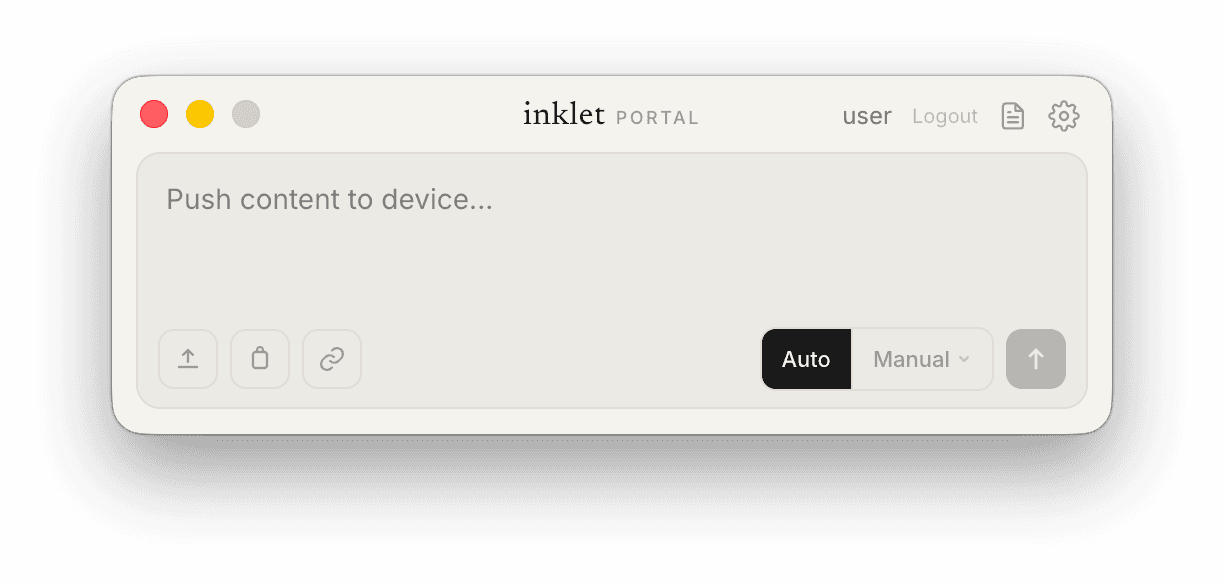
Type, paste, or upload — Portal sends your content to the right display. Auto mode lets AI decide what goes where; Manual mode lets you choose the exact device and how long it stays.
Sync
Your notes, always current
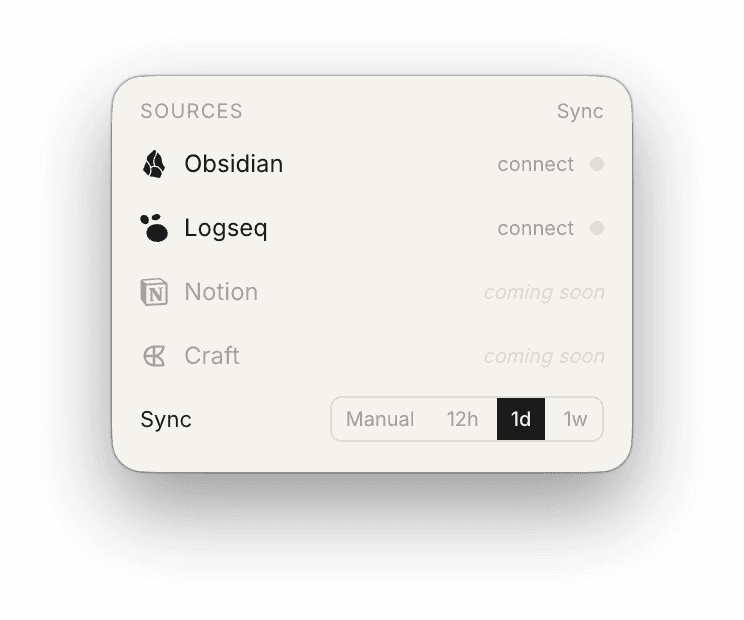
Connect your favorite note-taking apps and set a sync cadence — manual, every 12 hours, daily, or weekly. Your displays always reflect your latest thinking.
Manual
Choose where it goes
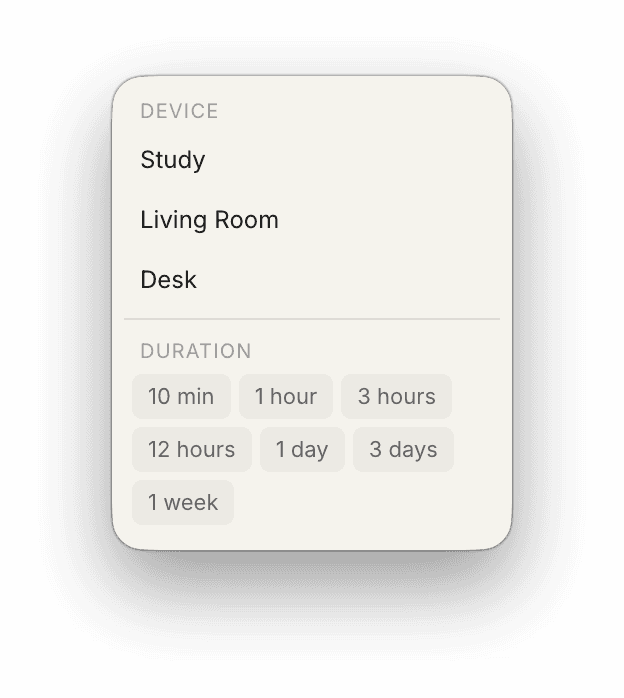
Pick exactly which display — Study, Living Room, Desk — and how long content stays. From a 10-minute flash reminder to a full week of persistent reference.
Auto
One tab away
Portal reads your active tab and auto-suggests pushing the current page to your displays. Press Tab to accept — articles, recipes, references, sent in one keystroke.
Ready to orchestrate your ambient life?
Desktop apps push content and sync notes. The web dashboard manages all your devices and knowledge base. iOS adds display pairing.